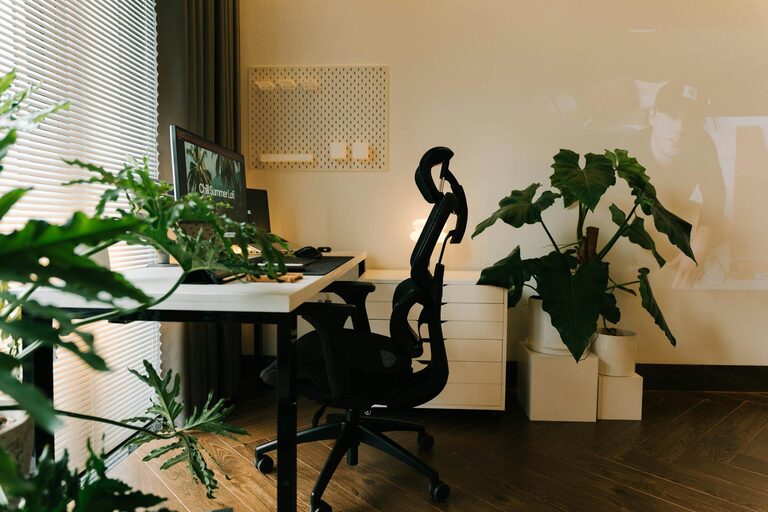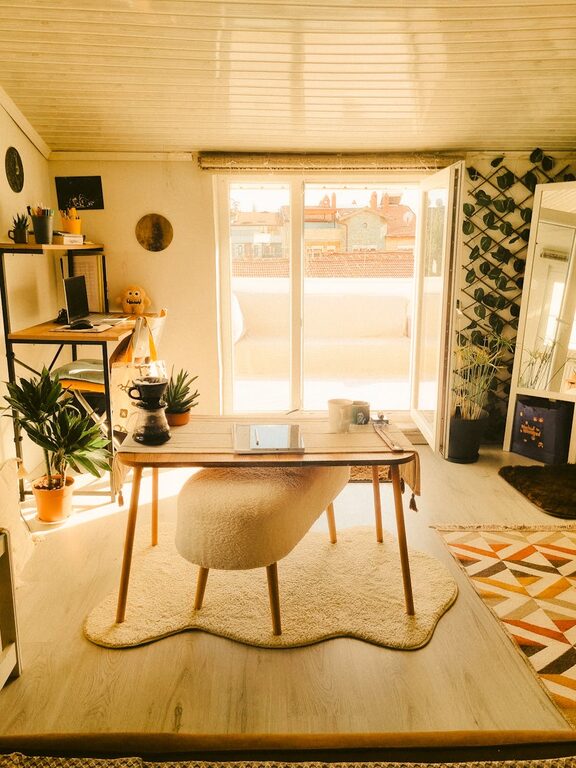
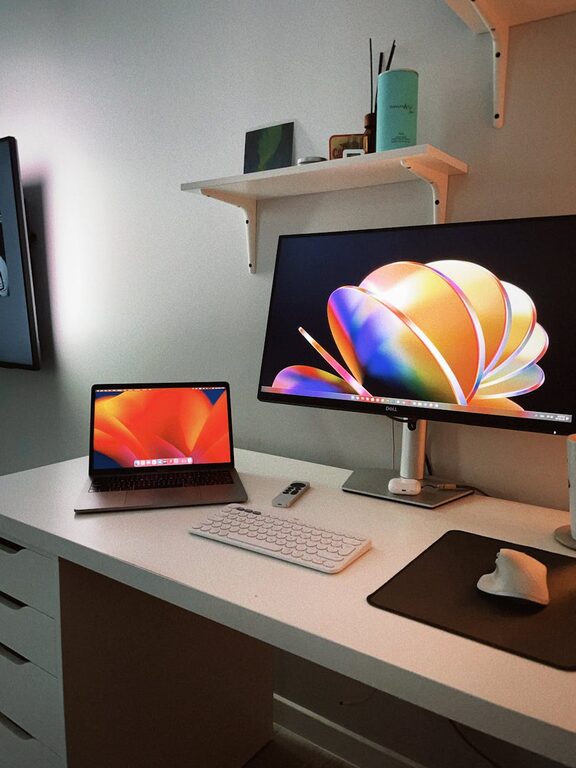
Creating a productive home workspace is essential for staying focused, managing tasks efficiently, and maintaining motivation throughout the day. Whether you work from home full-time or need a dedicated spot for occasional tasks, a well-organized space can make a significant difference in your work experience. Here are some practical tips to help you organize a home workspace that supports your productivity and well-being.
1. Choose the Right Location
The first step in setting up an effective home workspace is selecting the best location. Ideally, find a quiet spot with minimal distractions.
– Natural Light: Position your desk near a window. Natural light can enhance your mood and reduce eye strain.
– Privacy: Choose a place away from heavy foot traffic, if possible, to limit interruptions.
– Space: Ensure there’s enough room for your essentials, including your computer, documents, and any tools you need.
2. Invest in Comfortable and Functional Furniture
Comfort matters when you spend hours working at home. Choose furniture that combines ergonomics with style.
– Ergonomic Chair: A good chair supports your back and encourages proper posture to prevent discomfort.
– Desk Size: Pick a desk that fits your space but is large enough for your equipment and workspace needs.
– Adjustable Furniture: Consider a sit-stand desk or accessories that allow you to change positions during the day.
3. Declutter and Keep Essentials Within Reach
Clutter can be distracting and reduce productivity. Keep your workspace tidy by managing what you keep on your desk and nearby.
– Minimal Items: Limit desktop items to essentials like your computer, notepad, and pens.
– Use Organizers: Desk organizers, trays, and drawer dividers can help keep small items neat.
– Daily Clean-up: Spend a few minutes at the end of each day tidying up your space.
4. Organize Your Digital Workspace
An organized physical space should be matched with digital organization for maximum productivity.
– File Management: Use folders and consistent naming systems for documents on your computer.
– Desktop Clean-up: Avoid overcrowding your computer desktop with too many icons.
– Backup Regularly: Keep backups of important files to prevent data loss.
5. Manage Cables and Electronics
Cables and electronics can create a tangled and messy appearance, which can be stressful.
– Cable Organizers: Use clips, sleeves, or boxes to keep cables neat and out of sight.
– Wireless Options: Opt for wireless keyboards, mice, and headphones when possible.
– Charging Station: Set up a designated area for charging devices to keep things organized.
6. Personalize Your Workspace Thoughtfully
A workspace that reflects your personality can increase comfort and motivation, but keep personalization balanced to avoid distractions.
– Inspirational Items: Add photos, artwork, or motivational quotes that inspire you.
– Greenery: A small plant can improve air quality and add a touch of nature.
– Colors: Choose a color scheme that feels calm and energizing for you.
7. Establish Clear Boundaries
Separating work time from personal time is important when working from home.
– Defined Area: Use room dividers or specific furniture to create a clear boundary for work.
– Signs: If needed, use a sign or signal to indicate when you should not be disturbed.
– Routine: Establish regular work hours and breaks to maintain balance.
8. Optimize Lighting for Focus
Good lighting reduces eye fatigue and helps you stay alert.
– Task Lighting: Use adjustable desk lamps to focus light on your work area.
– Avoid Glare: Position screens to avoid glare from windows or overhead lights.
– Warm vs. Cool Light: Use lighting temperature that suits your work—brightness for focus or warmth for relaxation.
9. Incorporate Storage Solutions
A clutter-free desk benefits from smart storage options.
– Shelves and Cabinets: Use wall shelves or cabinets to store books, supplies, and files.
– Portable Storage: Rolling carts or baskets can keep often-used items handy but out of the way.
– Labeling: Label boxes and folders to quickly find what you need.
10. Keep Motivated with a Routine and Breaks
Lastly, organization also involves time management and self-care.
– Daily Plan: Use planners or apps to set daily goals and priorities.
– Take Breaks: Short breaks help maintain focus and reduce burnout.
– Healthy Habits: Stay hydrated and stretch regularly to support overall wellbeing.
—
By following these tips, you can transform your home workspace into an organized, comfortable, and inspiring place to get work done. The key is to customize your setup to fit your needs and continually tweak it as those needs change. A well-planned home office encourages productivity and helps you enjoy your work-from-home experience.
About the Author